 NextNeural
How to Generate a Report in 5 Minutes with NextNeural Builder AI
If you run or work with a small or mid-sized business, churning out well-researched, in-depth reports is the hallmark of a good manager. A client could ask for a compliance summary. A potential investor could want an ESG brief. Your ops head might need a vendor assessment by Friday. In most SMEs, the person who does the research is also the person who writes the report, formats it, chases approvals, and emails it out. There is no dedicated analyst. There is no design team. There is just you, a deadline, and a pile of source material that needs to become something presentable.
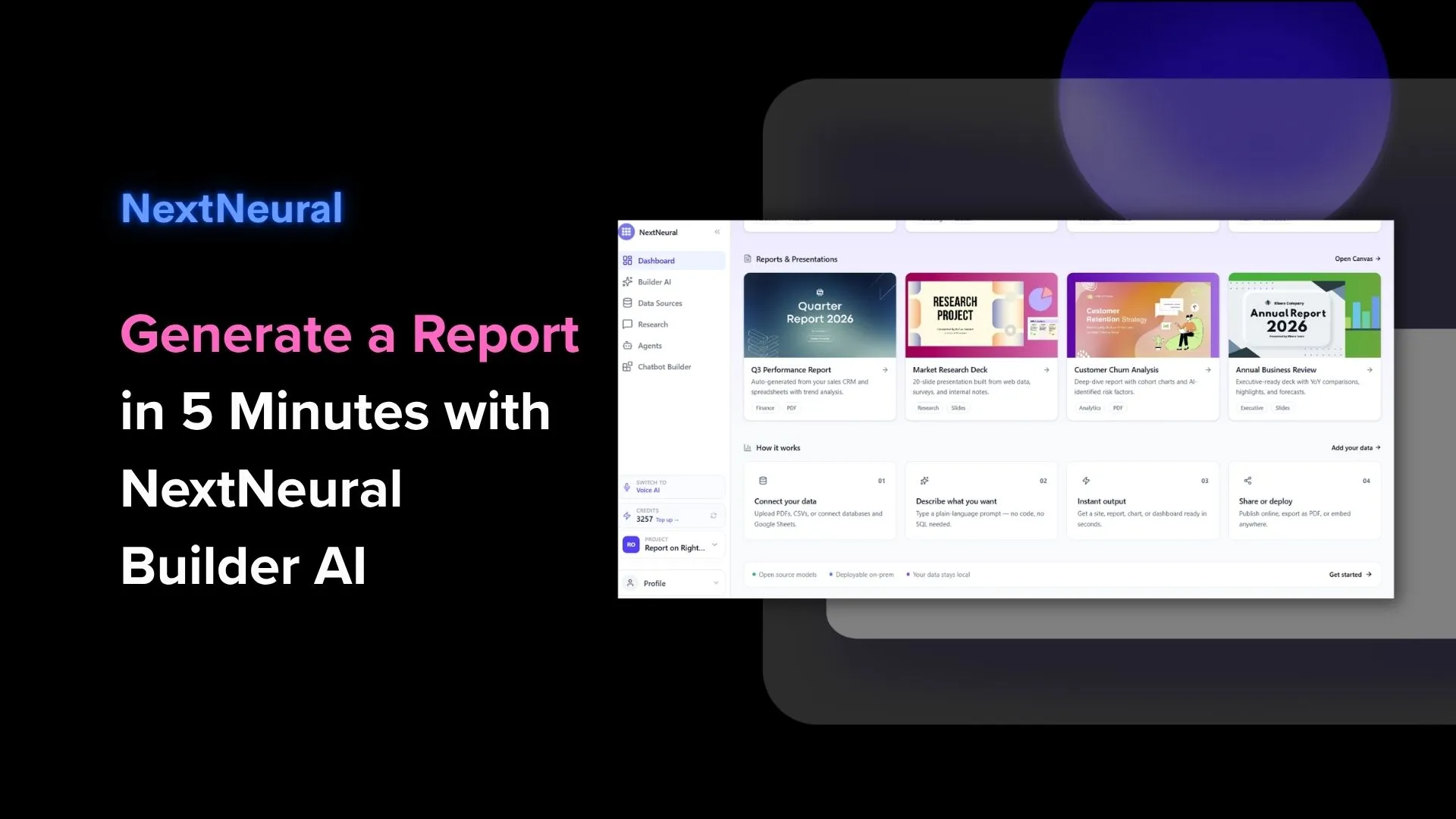
That’s exactly why we’ve built NextNeural’s Builder AI. With our latest feature — instant reports — the source material you already have can turn into a finished, formatted report in under five minutes.
Your document goes in. You prompt. A finished report comes out. And your work is complete!
From PDF to Policy Brief in Under 5 Minutes
Here’s exactly what the workflow looks like. (We’re using a real document on the Right to Repair Movement as the source material.)
1. Create a Project and Upload Your Document
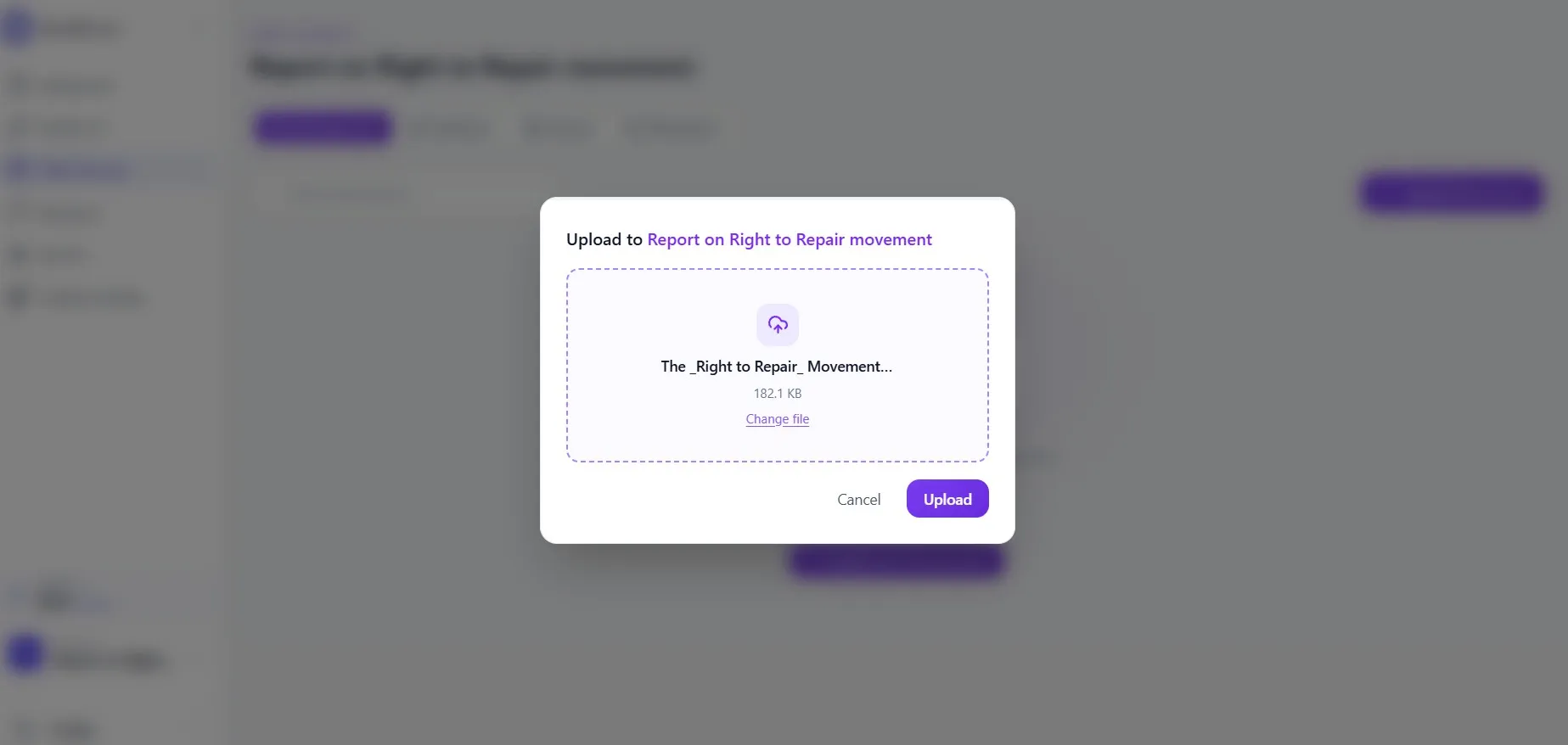
Log in to cloud.nextneural.ai and create a new project. It is like a named folder that keeps your source material and your output together. Then head to Data Sources, click + Upload Document, and drop in your file.
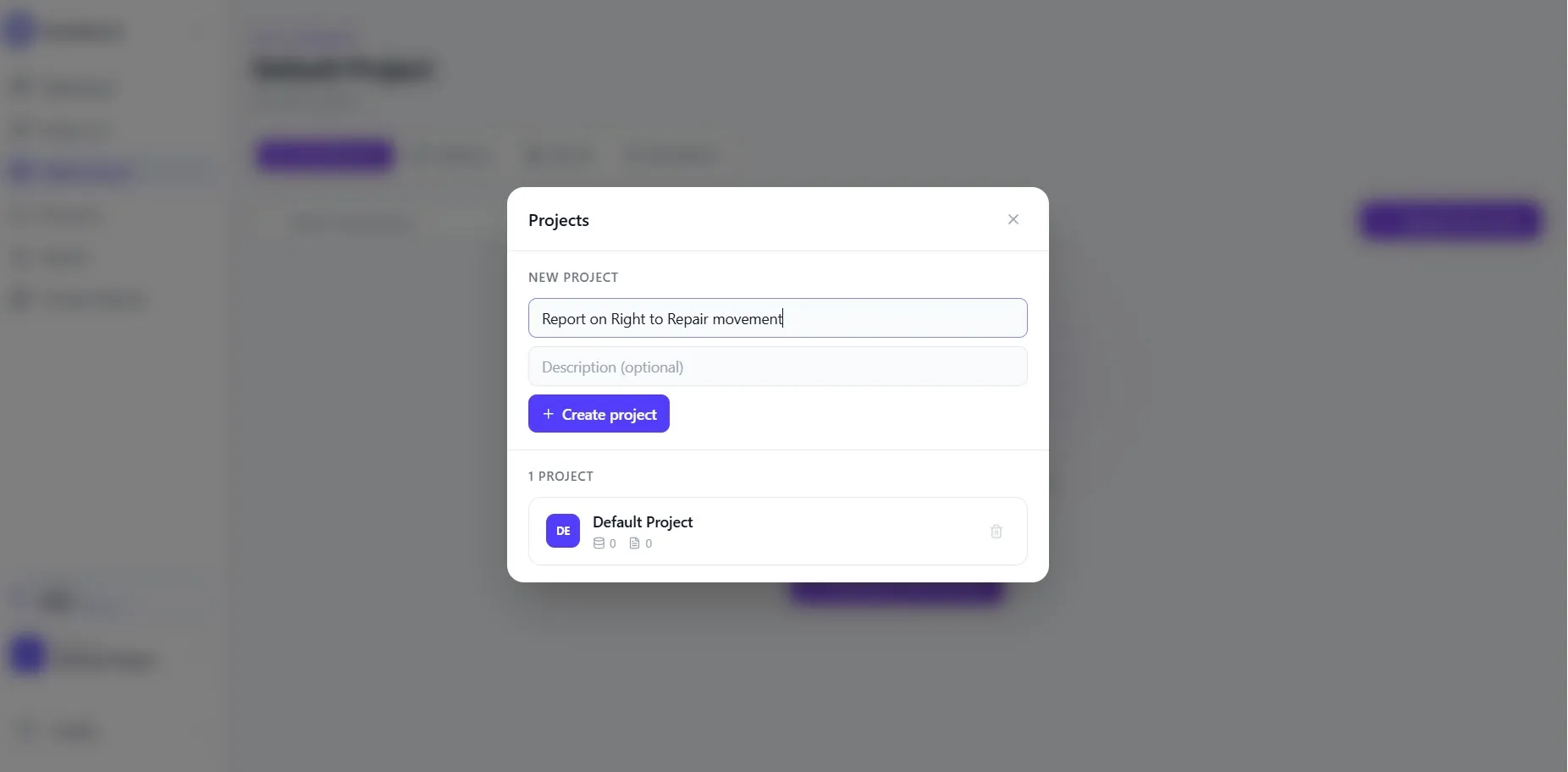
In this example: a PDF titled “The Right to Repair Movement: How Legislation Is Transforming Electronics and E-Waste” (182KB), is uploaded in seconds.
2. Tell the AI What the Document Is About
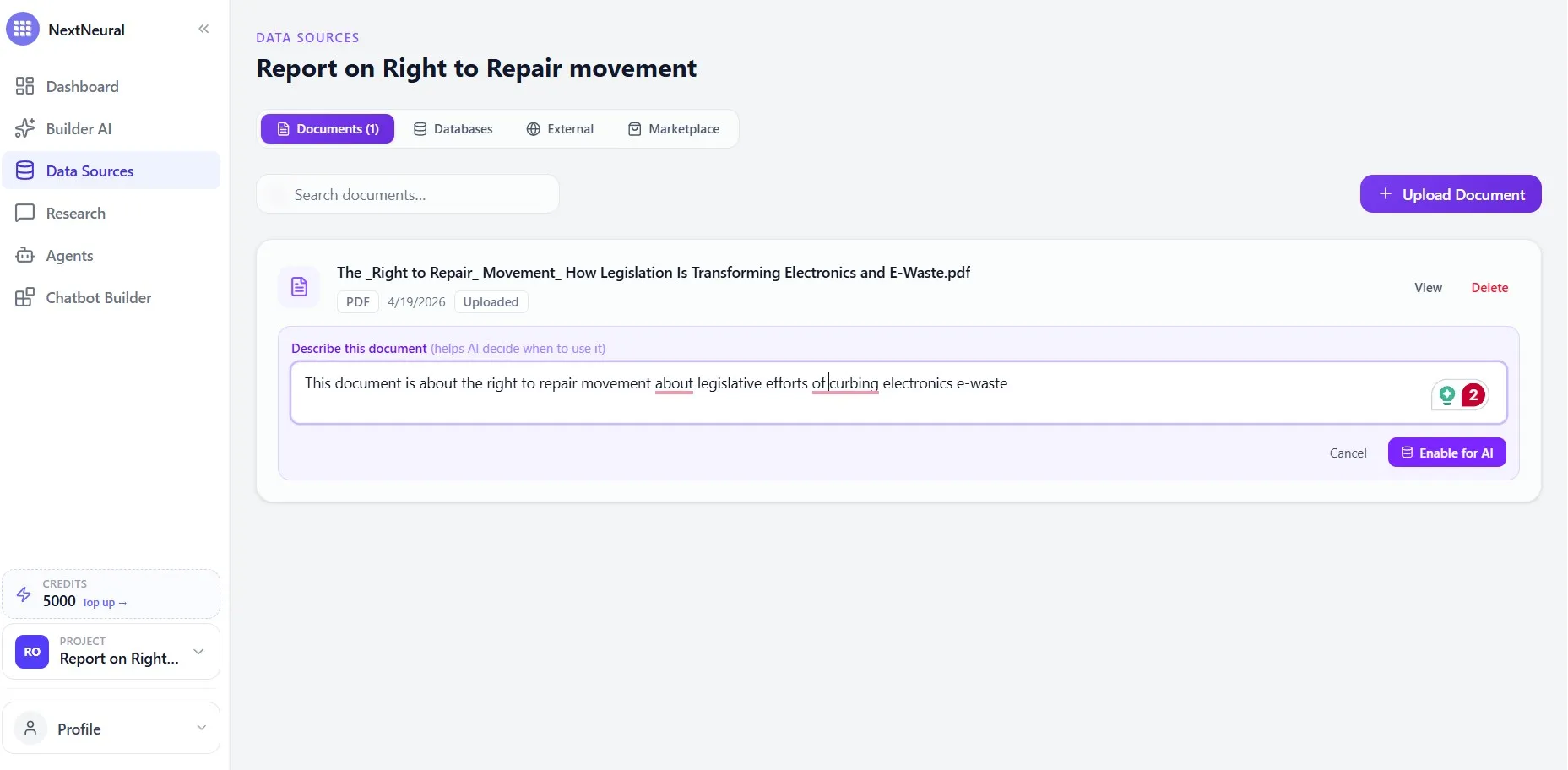
Once uploaded, you’ll see a prompt field: Describe this document (helps AI decide when to use it). This is worth spending thirty seconds on. A clear description, something like “Legislative analysis of right to repair policies and their impact on electronics e-waste”, means the AI retrieves from your document precisely.
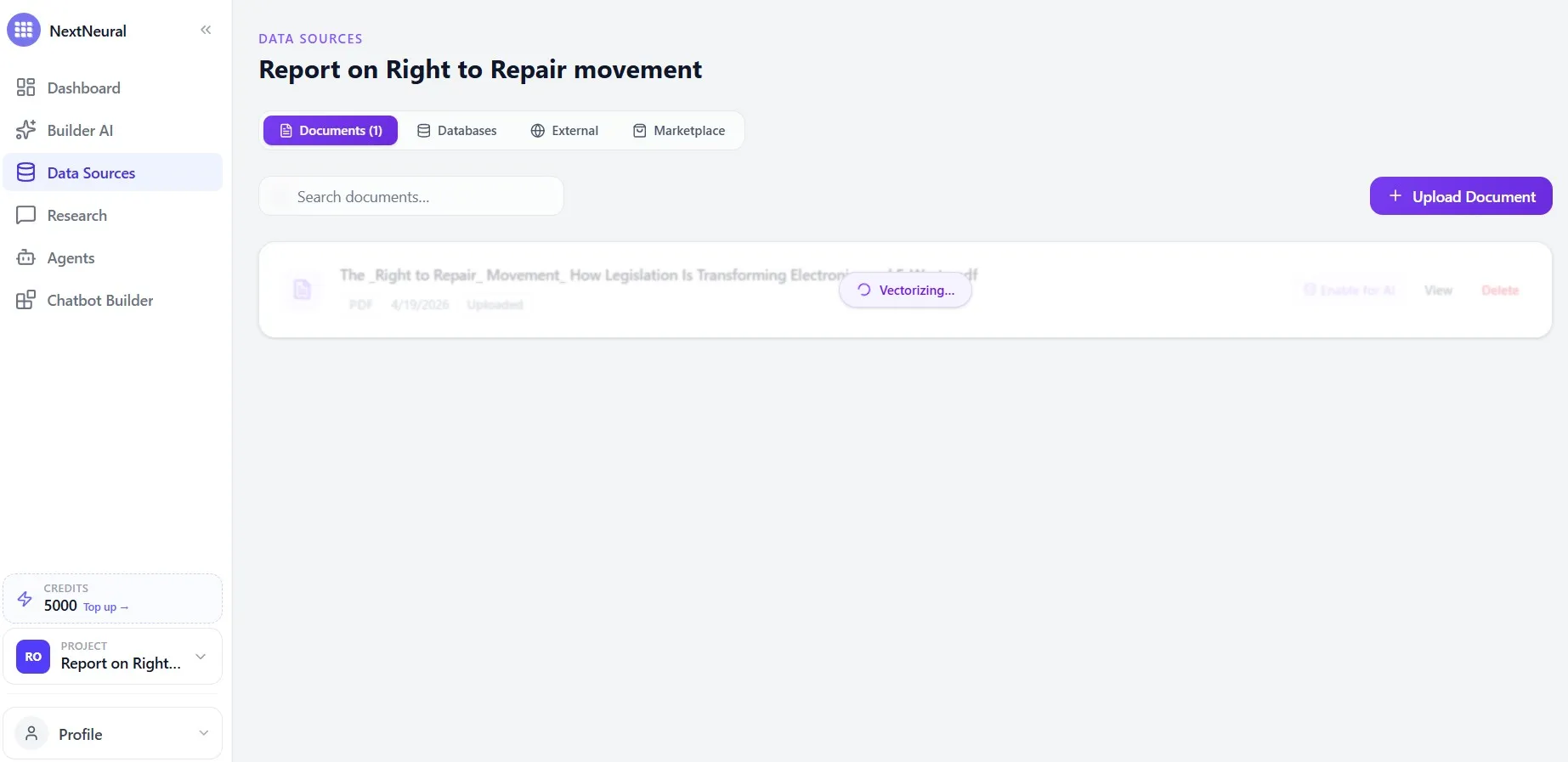
Then click Enable for AI. The system vectorizes the document, indexing it so content is pulled accurately rather than paraphrased loosely. For compliance reports, ESG disclosures, or anything where the source wording matters, this step is what separates a usable output from a generic one.
3. Switch to Builder AI, Pick Report, Choose Your Model
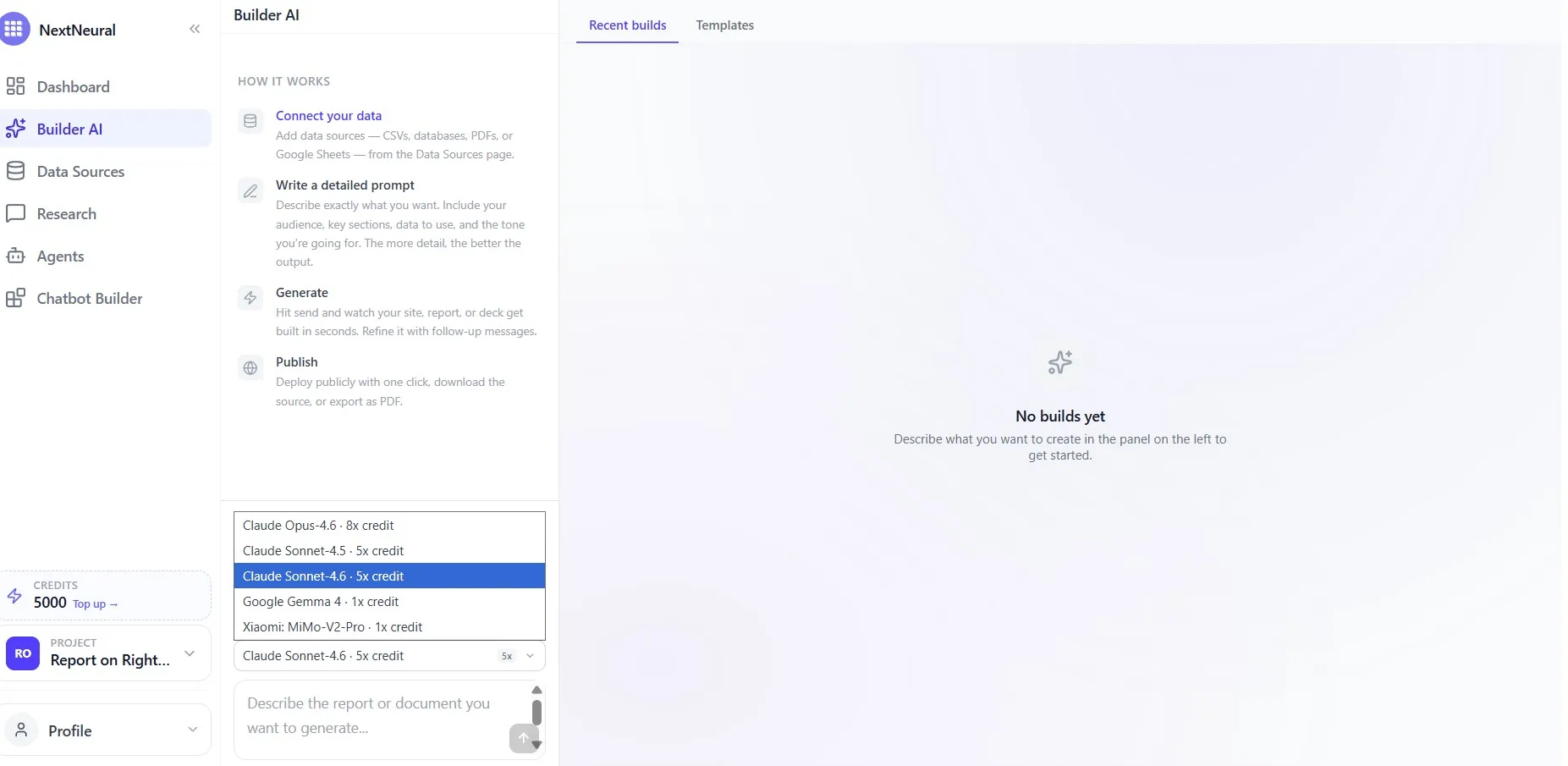
Now, flip over to Builder AI in the sidebar. You’ll see three formats: Website, Slides, and Report. Select Report.
Next, pick your “Analyst” (the Model). You have choices like Claude Sonnet 4.6, Gemma, and Xiaomi MiMo.
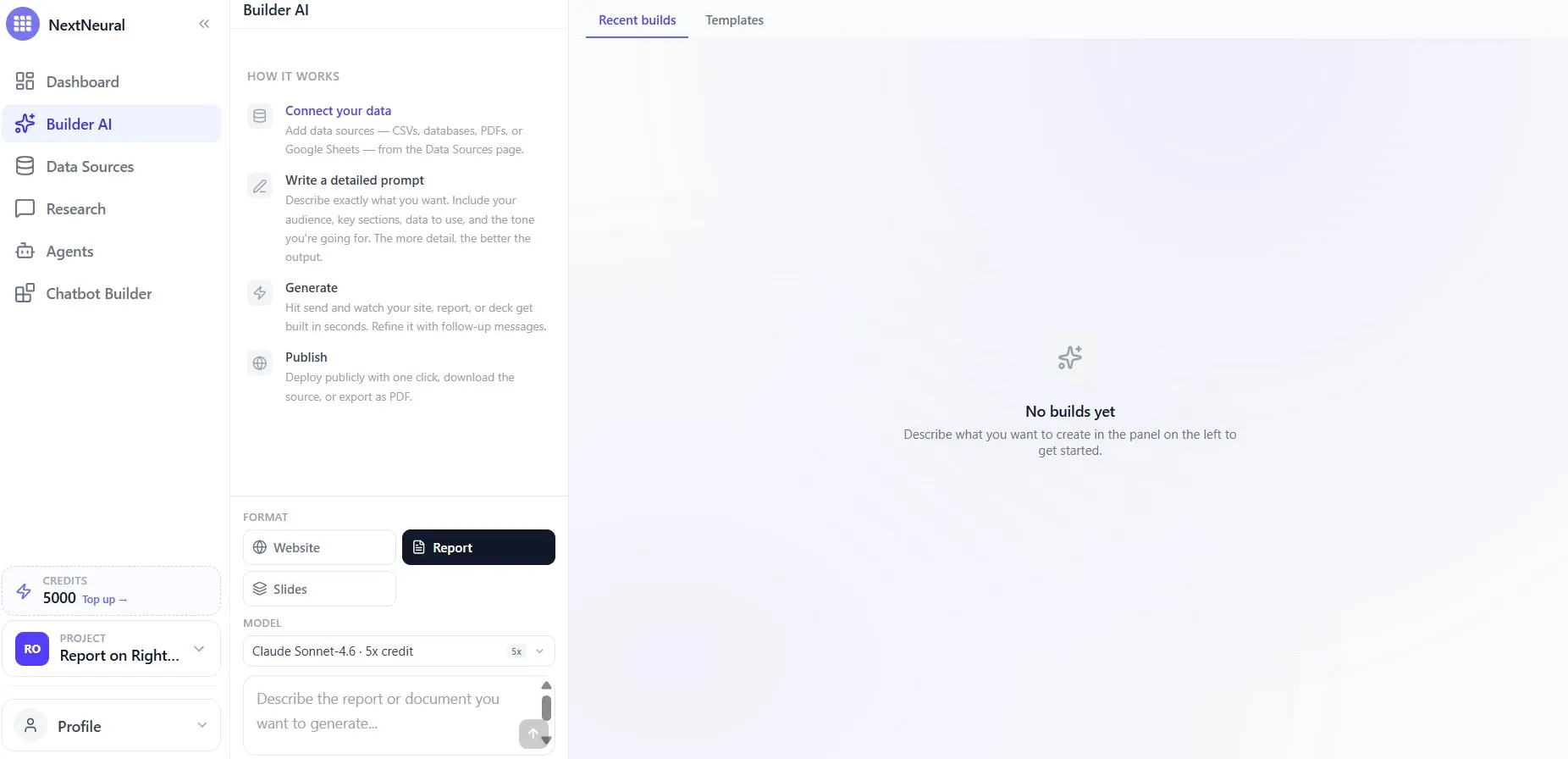
Pro Tip: If you’re doing a deep-dive policy brief where complex logic and nuance are needed, go with Claude Sonnet 4.6 (5x credits get used up though).
If you just need a quick internal summary or a first draft, the 1x credit models are incredibly fast and efficient.
4. Write Your Prompt
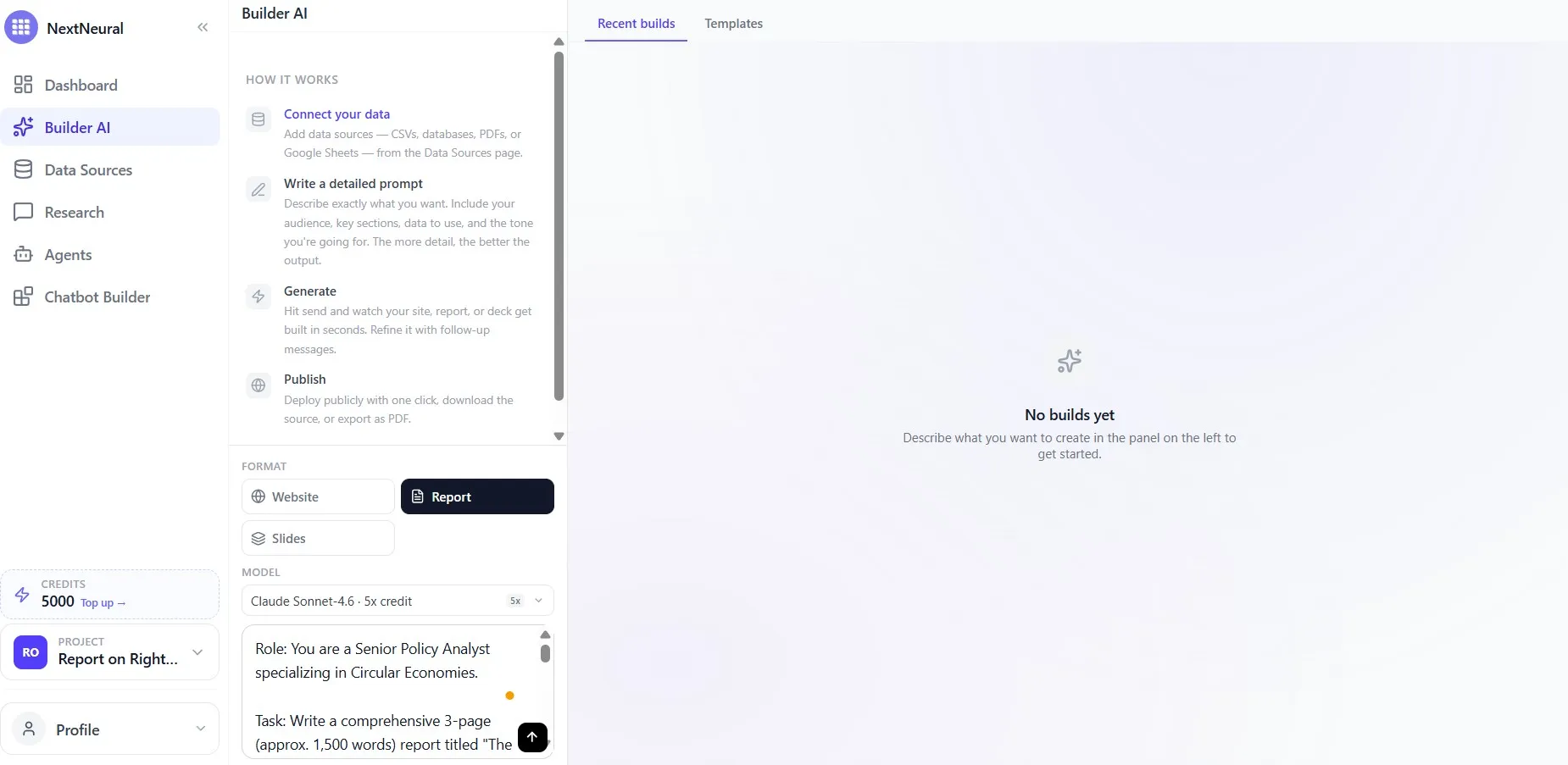
This is the one place where specificity really pays off. Describe the role, the audience, the length, the sections you want, and the tone you’re going for. Be as detailed as possible. The more precise the brief, the less you’ll need to refine afterwards.
Try a prompt like this:
“Role: You are a Senior Policy Analyst specializing in Circular Economies. Task: Write a comprehensive 3-page report titled ‘The Global Right to Repair: A Legislative Blueprint.’ Use the uploaded PDF for all statistics. Tone: Professional and persuasive.”
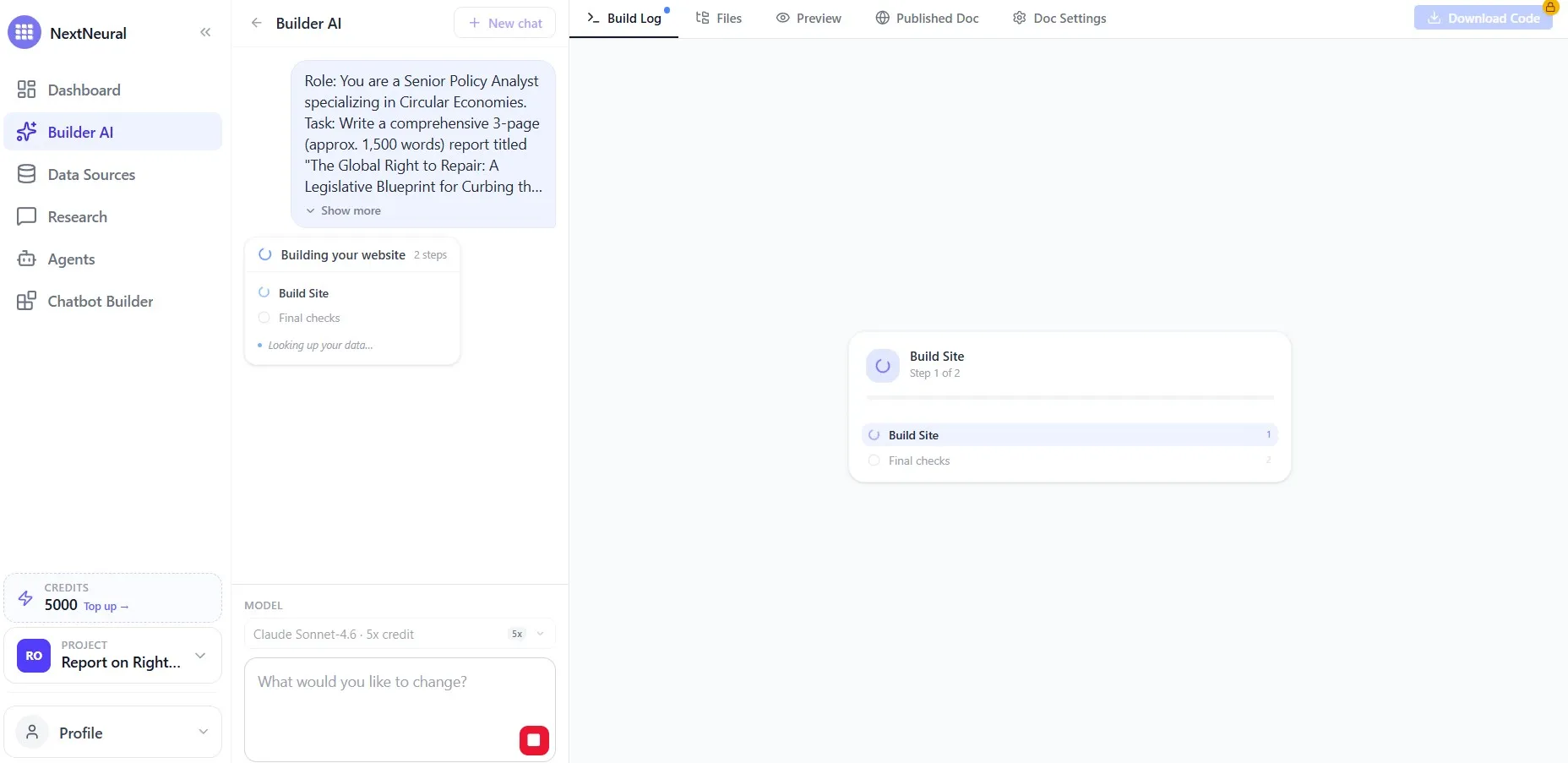
Hit send. The build begins.
5. Watch It Come Together
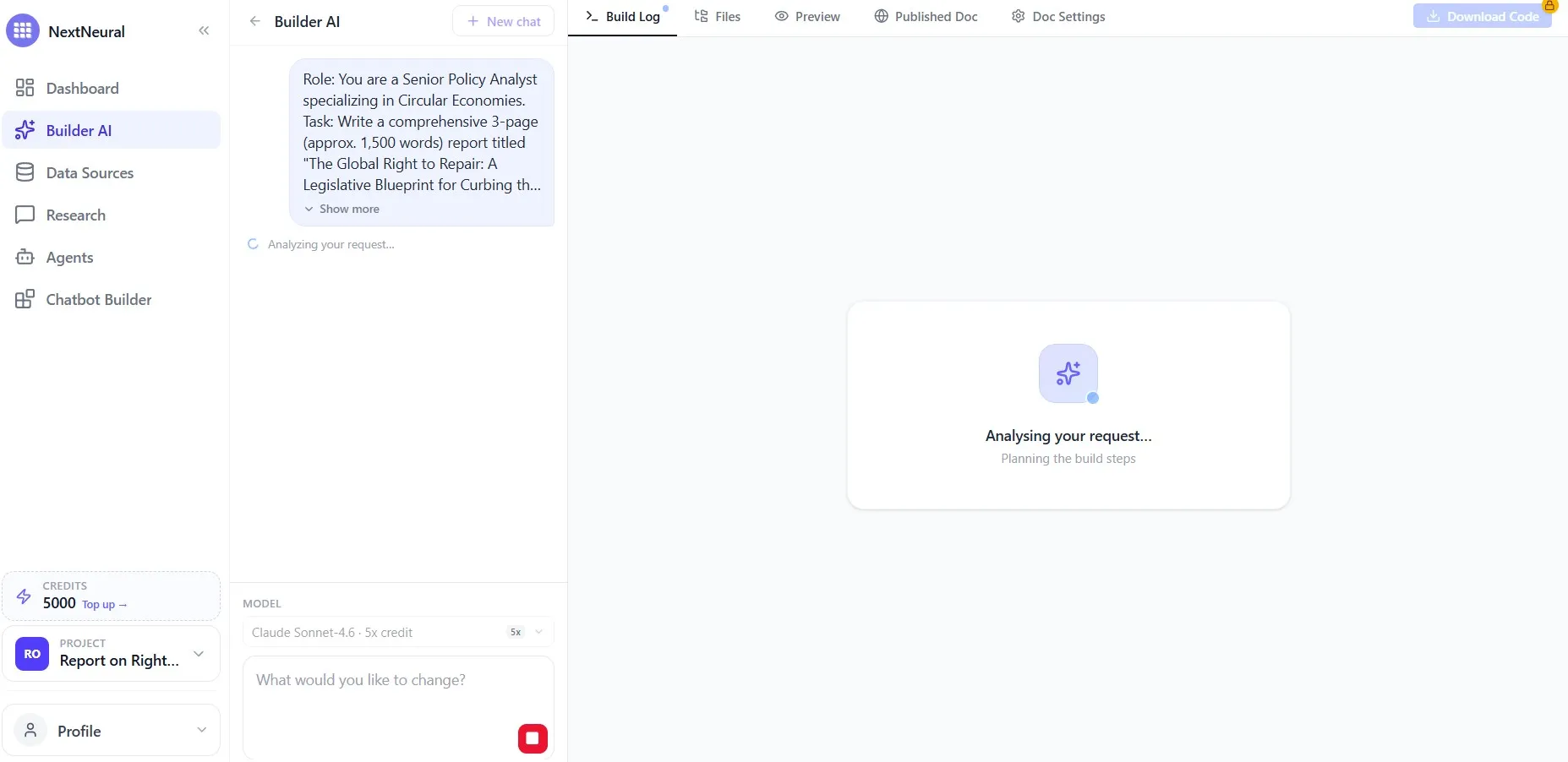
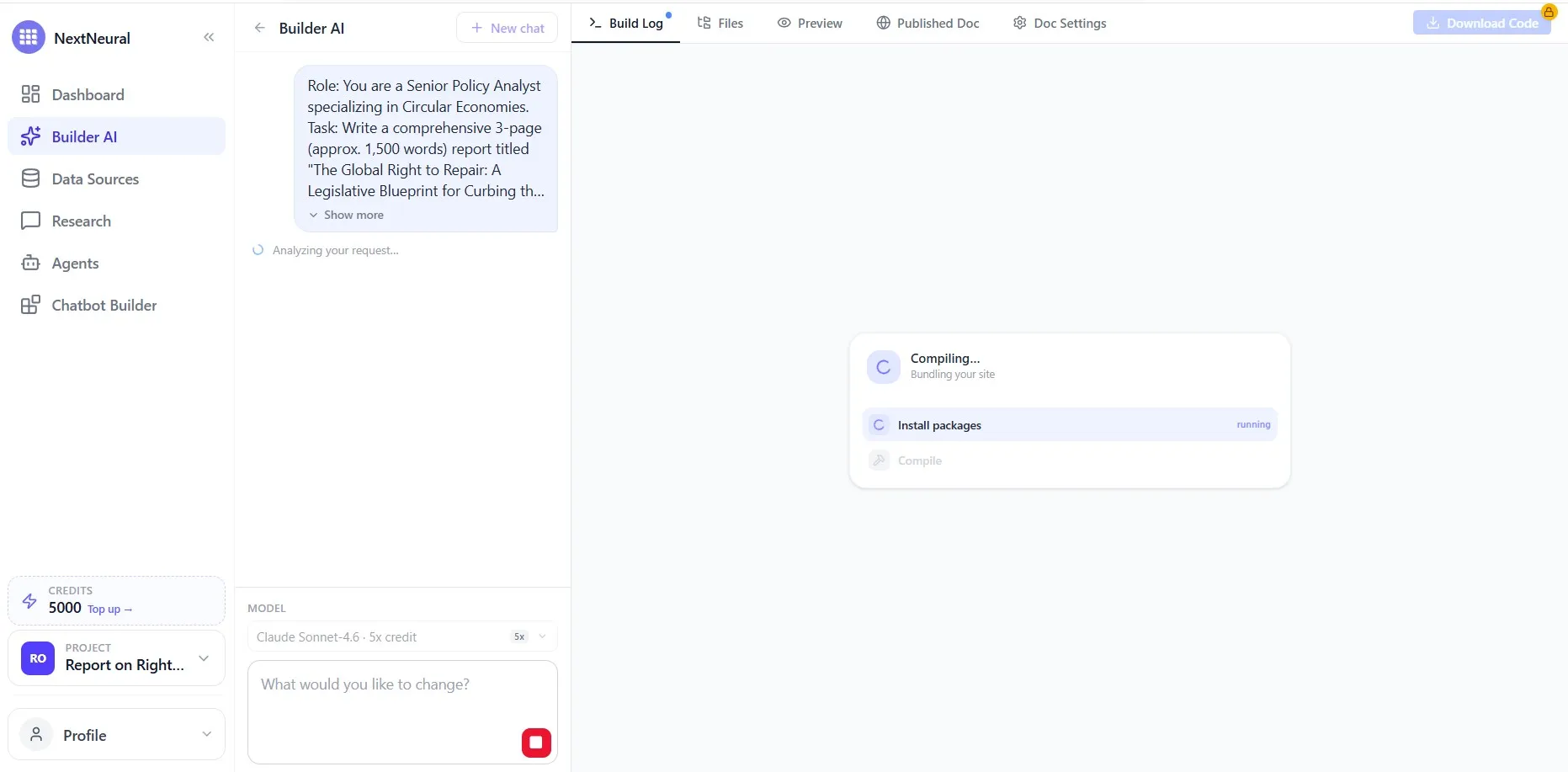
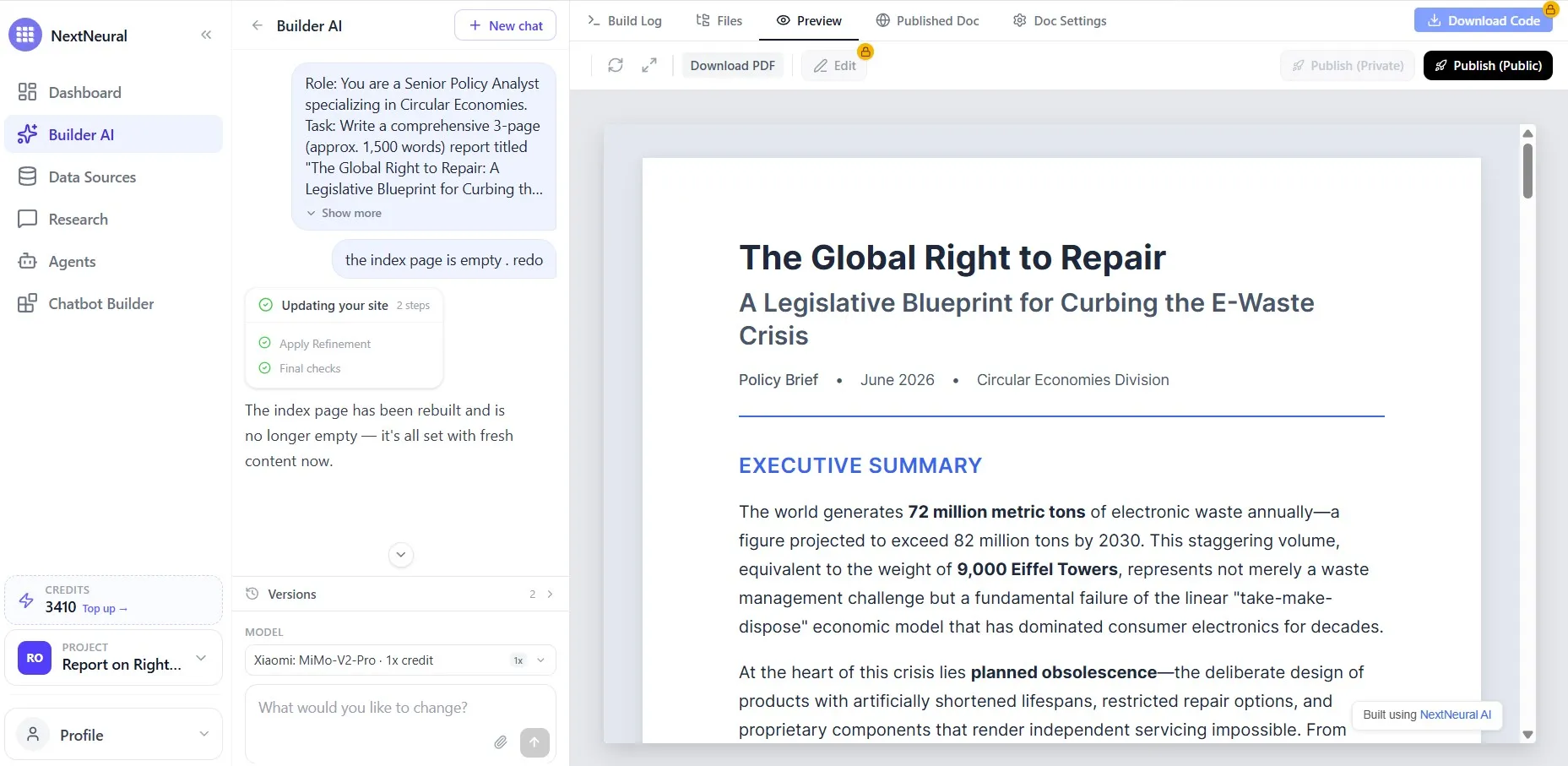
The system analyses the request, plans the structure, and builds the report, all visible in real time through the Build Log. For a 1,500-word policy brief, the whole process runs in under five minutes. When it’s done, click Preview, and you’ll see a fully formatted report, ready to be downloaded as a PDF or published directly.
6. What You Can Actually Do With the Output
Builder AI offers some features you won’t find anywhere else.
- Edit directly inside the report. Text, images, and visual elements are all editable inline, without the need to export to another tool. Now, isn’t that cool? When you’re refining a report with a colleague or responding to a client’s feedback, you edit the existing file instead of regenerating everything again.
- Refine through conversation. If something’s off, for example, a section needs restructuring, a heading isn’t right, or the executive summary is too long, you can just describe the change in the chat panel. The system will update the report without rebuilding everything from scratch.
- Generate a version in another language. You can generate the same report in Hindi or Spanish or any other language, without manually rewriting the content. Structure, layout, and meaning carry across languages. This is pretty useful when you’re presenting to regional offices or international clients.
- Publish or download. One click to publish privately for internal review, publicly for external sharing, or download as PDF to attach to an email. White-label versions have no watermarks, no NextNeural branding, and are available for a small fee.
How Builder AI Is Transforming Report Writing
Not every document needs this workflow. But a lot of the time-consuming ones do:
- ESG and sustainability reports: You have the data, the audit trail, the impact figures. Builder AI reads your source material and turns it into a structured disclosure document, organised and ready to share.
- Compliance and regulatory submissions: Source documents are often dense and technical. Builder AI works through them accurately and organises the content into the structure a reader or a regulator actually needs.
- Finance and investment briefs: Think quarterly performance notes, portfolio summaries, analyst reports. If the numbers and commentary exist somewhere, the report can exist in five minutes.
- Policy and research briefs: Academic or think-tank output needs to reach a non-specialist audience. With Builder AI you can get a policy research brief of international standards with just a prompt and a source doc.
Your Data Stays With You
If your org works with sensitive documents like legal, financial, public sector, or healthcare, data residency isn’t optional. NextNeural can be deployed entirely on your own cloud infrastructure. Your documents are processed internally. Nothing leaves your environment.
Looking into the Future
The instant report feature is currently in beta. What’s the direction in which we’re moving? Think reports that pull simultaneously from multiple internal sources — documents, live dashboards, databases, external feeds — and synthesise them into a single coherent output with dynamic data and real-time figures. For example, stock market reports, carbon footprint data, export-import data in real time, calls analysis data, and more.
New accounts on NextNeural start with 5,000 free credits. Enough to prompt, upload a document, and judge the output for yourself.
Sign up at nextneural.ai or get in touch if you’d like to use the platform for yourself or your organisation.
Ready to Transform Your Business with AI?
Join NextNeural today and deploy production-ready AI agents in minutes.
Build an Agent